The Ultimate Home Theater Automation for Cord Cutters: Setup, Gear, and Voice Control Tips
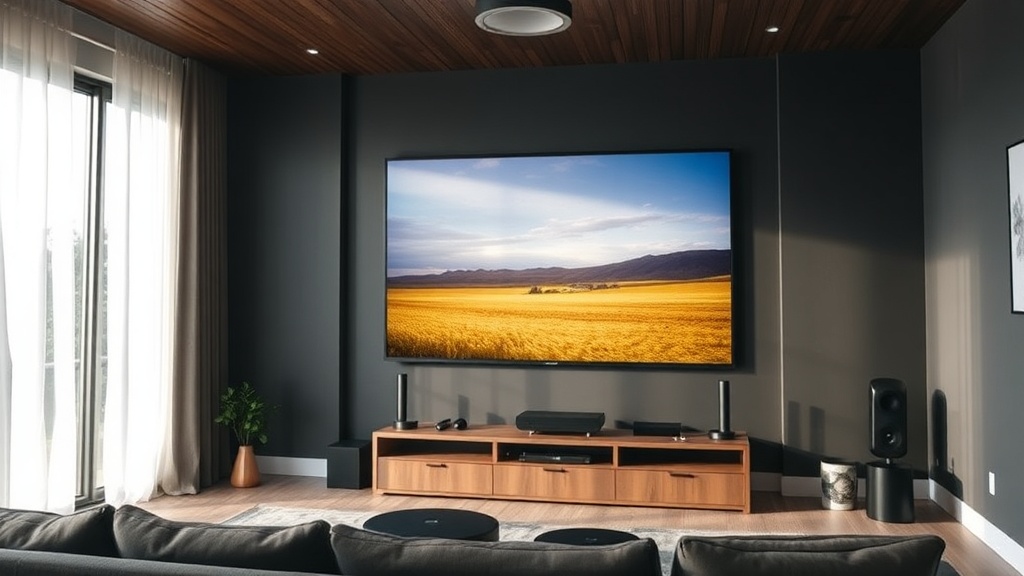
You’ve ditched cable, subscribed to a handful of streaming services, and maybe even invested in a stunning 4K OLED. But something’s missing: the cohesive, one-touch experience that makes movie night feel special. That’s where home theater automation for cord cutters comes in. By linking your streaming devices, lights, sound system, and voice assistant, you can recreate—and often surpass—the premium feel of a traditional cable setup without the monthly bill. And the best part? You don’t need a professional installer or a second mortgage. This guide walks you through everything you need to build a fully automated, cord-free entertainment hub that responds to your voice, sets the mood, and simplifies your streaming life.
Why Home Theater Automation Is a Game-Changer for Cord Cutters
Cord cutting gives you freedom: freedom from bloated channel bundles, hidden fees, and that clunky cable box. But it also fragments your experience. You juggle remotes, switch inputs manually, and fumble for light switches when the opening credits roll. Home theater automation for cord cutters solves this by turning a collection of separate gadgets into a single, intelligent system.
Think about the average streaming session. You turn on the TV, grab the streaming device remote, launch Netflix, adjust the volume on the soundbar, then get up to dim the lights. With automation, one voice command or a tap on your phone can trigger all of that simultaneously. This isn’t just about luxury—it’s about removing friction. When a movie starts in seconds and the room transforms around you, you watch more content and enjoy it more deeply.
The numbers back this up. A 2025 survey by Parks Associates found that households using smart home routines for entertainment reported 37% higher satisfaction with their streaming setups. And with the average cord cutter saving over $1,200 a year compared to cable, reinvesting a small portion into automation gear pays for itself in sheer convenience.
Essential Gear for a Seamless Streaming and Automation Setup
You don’t need to replace everything you own. The foundation of home theater automation for cord cutters is a modern streaming device that plays nice with smart home platforms. Here’s what to look for and a few standout choices.
Streaming devices with strong automation chops:
- Apple TV 4K (3rd gen or later): Tight integration with Apple HomeKit and Siri. You can include it in scenes, control it via iPhone, and use Thread border router capabilities for other smart accessories.
- NVIDIA Shield TV Pro: Runs Android TV (now Google TV) with Google Assistant built into the remote. Supports HDMI-CEC flawlessly and acts as a hub for Plex and smart home routines.
- Roku Ultra: While not a full smart home hub, it supports Alexa and Google Assistant voice commands and can be triggered by routines via Roku’s API. Simple, reliable, and often on sale.
- Chromecast with Google TV (HD or 4K): A budget-friendly entry point that works natively with Google Home routines and voice control.
Smart speakers and displays: An Amazon Echo (4th gen) or Google Nest Hub serves as the voice controller. They hear your commands and relay them to the streaming device, lights, and switches. If you’re deep in Apple’s ecosystem, a HomePod mini gives you Siri control over Apple TV and HomeKit scenes.
The glue: HDMI-CEC and smart hubs. Ensure HDMI-CEC is enabled on your TV and streaming device (brands label it differently: Simplink, Bravia Sync, Anynet+). This lets the streaming box turn the TV on/off and switch inputs automatically. For advanced users, a hub like Hubitat or Home Assistant can bridge devices that don’t natively talk to each other, but for most cord cutters, a voice assistant and native integrations are plenty.
Step-by-Step: Automating Your Home Theater with Voice Commands
Creating a “movie night” routine is easier than you think. I’ll walk you through three common platforms. In each case, the goal is the same: one phrase triggers everything.
1. Amazon Alexa (Fire TV or compatible streaming device)
Open the Alexa app, tap More > Routines > +. Name it “Movie Time.” Add these actions:
- Smart Home: Turn on your TV (if it’s a Fire TV Edition or connected via HDMI-CEC, Alexa can power it on directly; otherwise, use a smart plug or IR blaster).
- Smart Home: Set your smart lights to a dimmed, warm color (e.g., 20% brightness, “Relax” scene).
- Device Settings: If using a Fire TV Stick, add “Open Netflix” or “Launch Plex.”
- Music & Podcasts: Optionally, play a movie intro playlist on your Echo speakers.
Save it. Now say “Alexa, Movie Time” and watch the room transform. You