Smart TV Universal Remote Setup Guide: How to Control Your Entire Streaming Rig in 2026
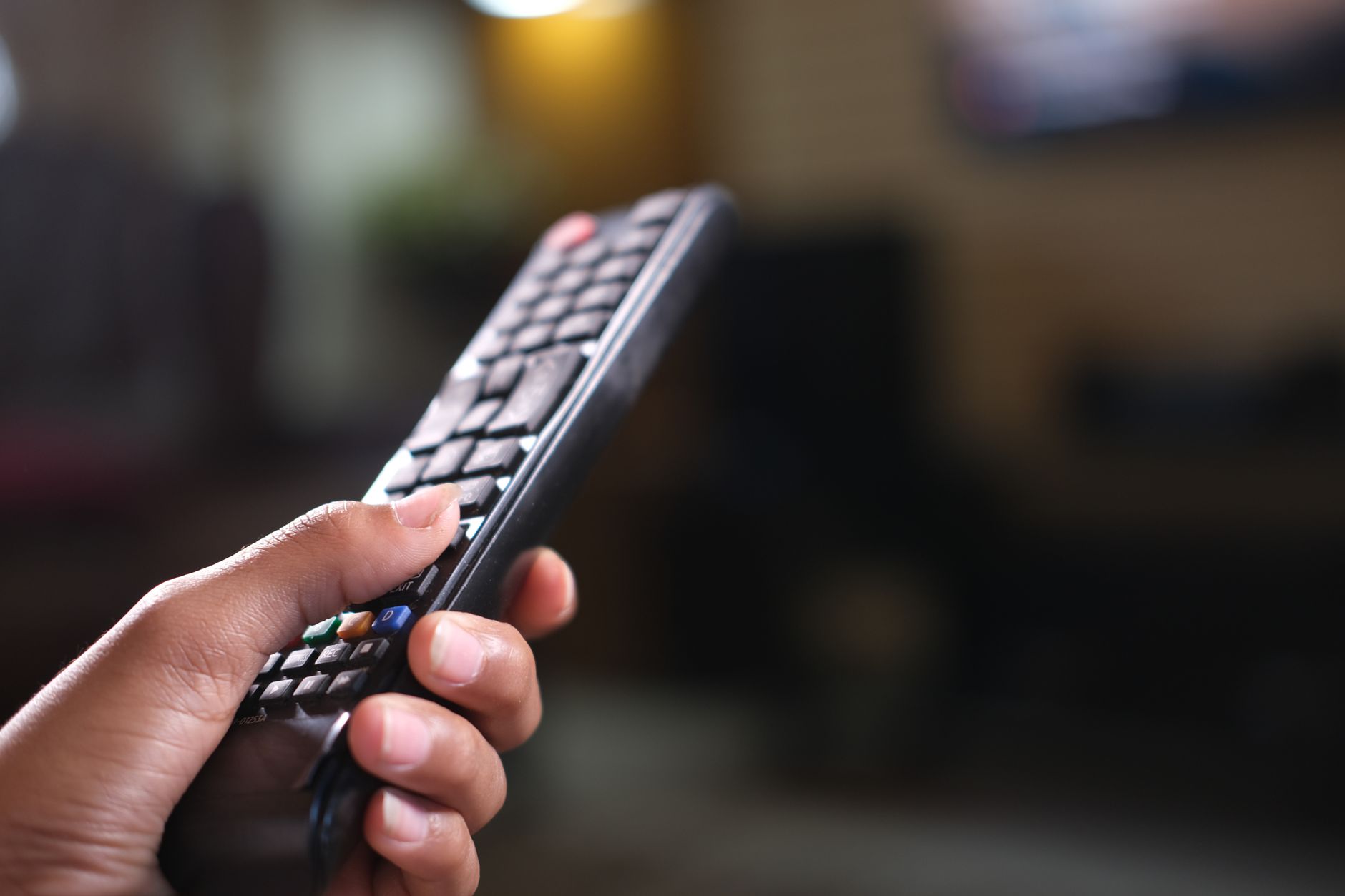
With HDMI 2.1 ports now standard on even budget 2026 TVs and the average cord cutter juggling 3.4 streaming devices, your coffee table has probably become a graveyard of black plastic rectangles. Logitech officially discontinued the Harmony line in 2024, but that vacuum has been filled by something smarter: universal remotes that actually understand your smart TV’s operating system, not just blast infrared signals at it.
This smart TV universal remote setup guide cuts through the confusion. Whether you picked up a SofaBaton X1S, a Caavo-style hub system, or you’re finally using your TV manufacturer’s flagship remote to control everything, here’s how to build a single-remote workflow that survives the next platform update.
Why 2026 Universal Remotes Are Different From Your Dad’s Setup
The old universal remote paradigm was simple: learn IR codes, hope for the best, and accept that “smart” features meant a backlit screen. Today’s ecosystem is messier and more capable.
Your 2026 smart TV likely runs Google TV, Tizen, webOS, or Roku OS — and many ship with Bluetooth or RF remotes that can’t be cloned by traditional learning remotes. Meanwhile, your soundbar might be HDMI-CEC controlled, your Apple TV uses tvOS-specific gestures, and your PlayStation 5 needs a dual-connection approach.
The new generation of universal remotes solves this through three technologies working together:
- HDMI-CEC pass-through: One remote wakes and controls everything on the same HDMI chain
- Bluetooth/RF pairing: Direct connections to devices that never used IR
- Hub-based control: WiFi or Ethernet bridges that translate commands to smart home protocols
The SofaBaton X1S, for example, pairs directly with Roku and Apple TV via Bluetooth while maintaining an IR blaster for your aging Blu-ray player. The 2026 Samsung SmartThings Remote and LG Magic Remote variants now include “universal” modes that extend beyond their own ecosystems.
Choosing Your Control Strategy: 3 Approaches That Actually Work
Before you start button-mapping, decide which architecture fits your gear. Your choice determines every step that follows.
Option 1: The TV-As-Hub Method (Simplest, Most Limited)
Use your smart TV’s native remote to control everything through HDMI-CEC and eARC. This works surprisingly well in 2026 because CEC implementation has finally stabilized.
Best for: Single soundbar, one external streaming device, no legacy gear
Setup time: 15 minutes
Catch: CEC conflicts still happen. If your Apple TV and Google TV Chromecast both wake when you press a button, you’ll need Option 2 or 3.
Option 2: The Dedicated Universal Remote (Best Balance)
A programmable remote with both IR and Bluetooth/RF capability. The 2026 standouts are the SofaBaton X1S ($79), the broadlink RM4 Pro with physical remote bundle ($45), and the Caavo Control Center successor systems.
Best for: Mixed-device households, some legacy gear, users who want physical buttons
Setup time: 45-90 minutes
Option 3: The Full Automation Stack (Most Powerful)
Combine a universal remote with a smart home hub like Home Assistant, Hubitat, or SmartThings. Your remote sends a command; the hub executes a multi-device scene.
Best for: Power users, projectors with motorized screens, complex audio routing
Setup time: 2-4 hours initially, then maintenance
Step-by-Step: Setting Up a Universal Remote for Modern Smart TVs
Here’s the workflow I used last month with a SofaBaton X1S, a TCL QM8 Google TV, and a Sonos Arc soundbar. The principles apply across ecosystems.
Phase 1: Inventory and Disconnect
List every device you want to control. For each, note:
- Control method (IR, Bluetooth, RF, WiFi/app-only)
- HDMI position (if applicable)
- Whether it needs to wake from sleep or just accept commands when active
Critical 2026 tip: Disable CEC on any device you plan to control directly via Bluetooth or RF. Double-control causes the “everything turns on at once” nightmare. On Google TV, navigate to Settings > System > HDMI CEC > CEC Control and toggle off. On Samsung Tizen, it’s Settings > General > External Device Manager > Anynet+ (HDMI-CEC).
Phase 2: Pair the Smart TV Core
For Bluetooth-based universal remotes, pair directly with your smart TV first. This gives you full OS navigation — voice search, app shortcuts, settings menus — that IR emulation can’t replicate.
On the SofaBaton X1S: hold the device button you want to assign, select “TV,” then choose your manufacturer from the database. The remote tests power, volume, and directional commands. If your 2026 model isn’t listed (common with TCL’s QM series refreshes), use the “learn” function with your original remote for the power and input buttons, then switch to Bluetooth pairing for navigation.
Phase 3: Map Audio and Secondary Devices
Your soundbar is the trickiest piece. If it’s HDMI-eARC connected, you have two control paths:
- CEC path: TV remote controls soundbar volume through the HDMI link
- Direct path: Universal remote pairs with soundbar via IR or Bluetooth
I recommend the direct path for universal remotes. It eliminates the 500ms CEC delay that still plagues 2026 setups and works even when the TV is off (for music streaming).
For streaming devices: pair Bluetooth remotes directly with Apple TV 4K (2025) and Roku Ultra. For Fire TV Cube and Google TV Streamer, IR often works better because these devices prioritize their own voice remotes.
Phase 4: Build Activity Macros
This is where 2026 universal remotes justify their existence. An “activity” is a single button that executes a sequence.
My “Movie Night” macro:
- Turn on TCL TV (Bluetooth)
- Switch to HDMI 3 (Apple TV input)
- Turn on Sonos Arc (Bluetooth)
- Set Arc to TV audio mode
- Dim LIFX living room lights to 15% (via SmartThings integration on X1S)
The SofaBaton X1S and similar hubs let you add 10-second delays between steps for device boot times. Don’t skip this — your Apple TV 4K needs 8-12 seconds to fully handshake with a 2026 TV’s HDMI 2.1 port.
Phase 5: Test Edge Cases and Fail-Safes
Run through these scenarios:
- Everything already on: Does the macro double-power and turn anything off?
- TV on, soundbar off: Does volume control wake the Arc or just adjust TV speakers?
- Streaming device deep sleep: Does the wake command work, or do you need a second press?
For that last issue, I added a “wake” command before the input switch in my macro. Apple TV’s 2025 hardware sometimes ignores the first Bluetooth wake from sleep.
Troubleshooting the 5 Most Common 2026 Setup Failures
“My remote controls the TV but not Netflix navigation” You paired via IR for power/volume but never switched to Bluetooth for app control. Re-pair using the remote’s TV database, not just learned IR commands.
“Volume works randomly” CEC and direct control are fighting. Pick one: either enable CEC and use TV remote passthrough, or disable CEC and pair directly with the soundbar.
“My macro turns everything on then immediately off” Check your power toggle commands. Many 2026 devices use the same IR code for on and off. Add a “power query” step if your remote supports it, or separate on/off commands in the database.
“Voice search doesn’t work through the universal remote” Only a few 2026 universal remotes pass voice to smart TV OS. The SofaBaton X1S does; most budget IR-only remotes don’t. Check your remote’s microphone integration before buying.
“Home Assistant scenes won’t trigger” If using Option 3, verify your hub’s automation is set to “trigger” not “toggle.” A universal remote button press should fire the scene, not invert its current state.
The Maintenance Reality: Why Your Setup Will Break
Firmware updates are the enemy of universal remotes. When Google TV pushed its June 2026 update, my Bluetooth pairing dropped and had to be re-established. When Sonos updated the Arc to support the new “Dolby Atmos Flex” standard, my direct volume mapping changed.
Budget 30 minutes every quarter to test your full macro chain. Save your remote’s configuration to cloud backup if available — the SofaBaton app and similar tools make this painless.
Conclusion: One Remote to Rule Them All (Until the Next Standard)
This smart TV universal remote setup guide isn’t about achieving perfection. It’s about reducing your click-count by 80% and eliminating the “which remote?” hesitation that kills the streaming experience.
The 2026 landscape finally makes this achievable for cord cutters without professional installation. HDMI 2.1’s improved CEC, Bluetooth LE Audio’s lower latency pairing, and the new generation of sub-$100 universal remotes have converged at the right moment.
Start with the TV-as-hub method if you’re hesitant. Graduate to a dedicated universal remote when you add that second streaming device. Reserve the full automation stack for the day you install motorized blackout shades and want them to drop when you hit “Movie Night.”
Your coffee table will thank you. And you’ll actually use that Sonos subwoofer you bought, because turning it on won’t require a separate remote hunt.