Smart TV Antenna Setup Without Cable: The 2026 Broadcast Resurgence Nobody Expected
The streaming wars just took a bizarre turn. While Netflix, Max, and Disney+ keep hiking prices in 2026, over-the-air broadcast TV is quietly having its biggest resurgence since the digital transition. The FCC’s expanded spectrum repack is delivering more subchannels than ever—think 50+ free channels in major markets, including dedicated sports, weather, and classic movie networks that streaming services charge $15/month to access.
This isn’t your grandfather’s rabbit ears. A modern smart TV antenna setup without cable combines free broadcast reception with your TV’s built-in streaming apps, creating a hybrid system that costs virtually nothing to operate. I’ve helped dozens of readers build these setups this year, and the savings are staggering: one family in Philadelphia dropped $2,340 annually by replacing YouTube TV with an antenna + free streaming stack.
Here’s how to build yours correctly the first time.
Why 2026 Is the Perfect Year to Go Antenna-First
The broadcast landscape shifted dramatically in early 2026. The ATSC 3.0 rollout—NextGen TV—finally hit critical mass with 75% of U.S. households now within range of at least one station broadcasting in the new standard. What does this actually mean for you?
- 4K HDR over the air: Select NFL games, Olympics coverage, and primetime shows now broadcast in pristine quality that rivals cable
- Interactive features: Enhanced emergency alerts, on-demand news clips, and localized weather radar integrated directly into your smart TV interface
- Improved compression: Stations pack more subchannels into the same bandwidth, meaning channel counts have exploded
My local market jumped from 34 channels to 61 in the past 18 months. Your mileage varies by location, but the trend is national.
The hardware ecosystem matured too. 2026’s smart TVs—from TCL’s QM8 series to Samsung’s S95D—include ATSC 3.0 tuners standard, eliminating the external box clutter that plagued early adopters. Even budget Hisense models now ship with dual tuners, letting you watch one channel while recording another.
Choosing Your Antenna: Indoor vs. Attic vs. Rooftop
This decision determines everything. Get it wrong, and you’ll blame the technology when it’s really placement.
Indoor antennas work surprisingly well in 2026. The latest flat-panel designs—like the Channel Master Flatenna 35 or the Mohu Leaf 50—incorporate amplified filtering that rejects LTE interference from cell towers, a problem that plagued earlier generations. Best for: urban apartments, single-story homes within 25 miles of broadcast towers, renters who can’t modify property.
Attic installations hit the sweet spot for most suburban homes. You gain 10-15 dB of signal strength versus indoor placement without weather exposure. Critical detail: mount away from HVAC ducting, which creates multipath interference. Use a compass app to aim toward your market’s tower cluster—TV Fool’s replacement, RabbitEars.info, provides exact coordinates.
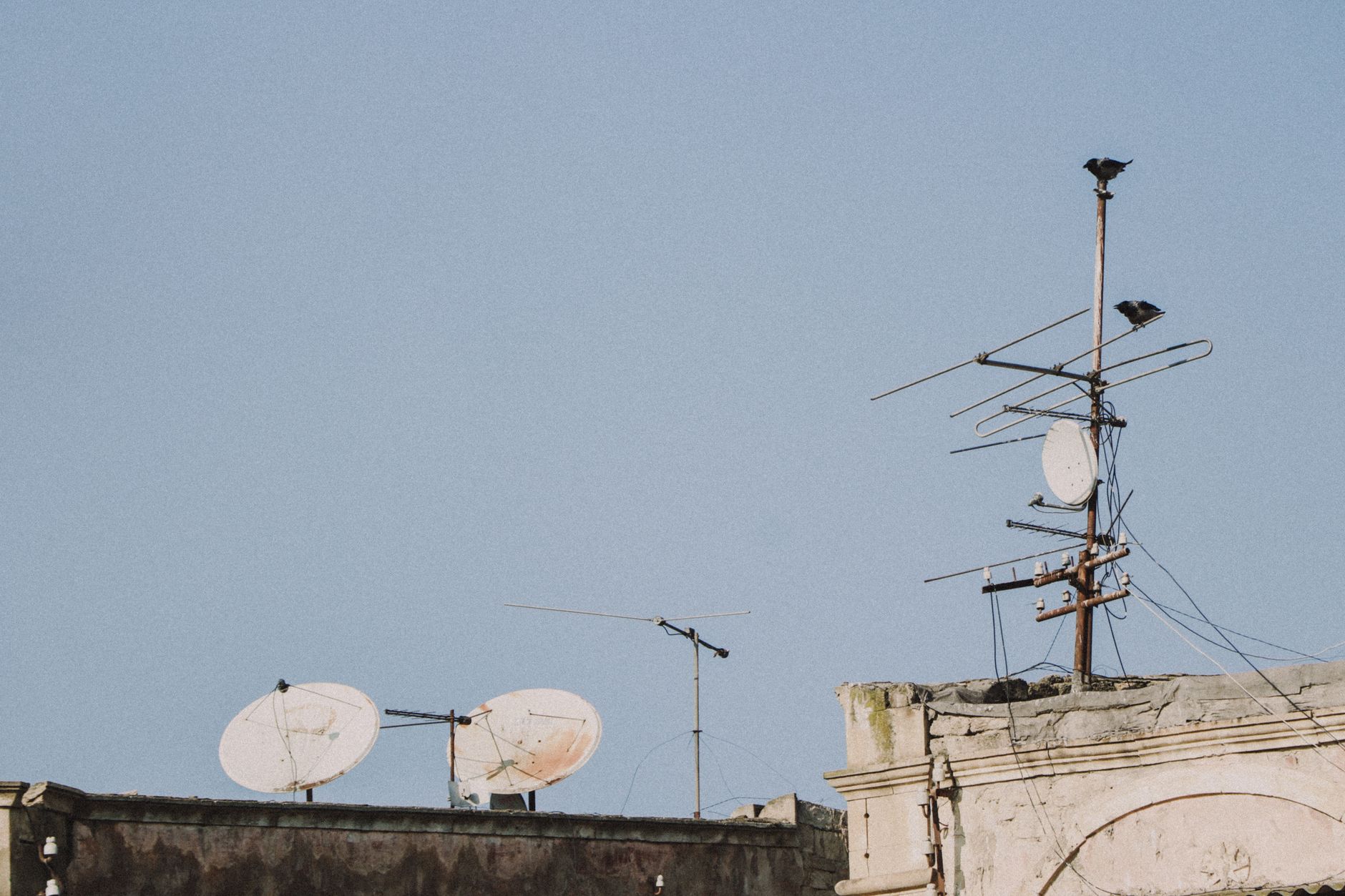
Rooftop or eave-mounted antennas remain necessary for rural locations beyond 50 miles or those with significant terrain blocking. The Winegard HD8200A or Channel Master EXTREMEtenna handle fringe reception, but don’t overspend. A $45 RCA ANT751E often outperforms $200 alternatives in moderate conditions.
The 2026 wildcard: directional versus multi-directional. With subchannels now broadcasting from multiple tower sites in many markets, the old “point and pray” approach misses stations. The new Channel Master Omni+ captures signals from 360 degrees with only 2 dB loss versus traditional yagis—revolutionary for markets like Denver or Los Angeles where towers scatter across geography.
The Smart TV Antenna Setup Without Cable: Step-by-Step
You’ve got the hardware. Here’s the precise workflow I use for every installation.
Step 1: Scan before you mount. Connect your antenna temporarily, run a channel scan from your TV’s settings menu, and document what you receive. Every major brand buries this differently:
- Samsung: Settings > Broadcasting > Auto Tuning
- LG: Settings > Channels > Channel Tuning > Auto Tuning
- TCL/Google TV: Settings > Channels & Inputs > Channels > Channel Search
- Sony: Settings > Channels & Inputs > Channels > Auto Tuning
Step 2: Note your signal quality metrics. Modern smart TVs display SNR (signal-to-noise ratio) per channel. Anything above 20 dB is rock-solid; 15-20 dB will drop in weather; below 15 dB needs antenna repositioning. Write these down—don’t trust memory.
Step 3: Optimize placement iteratively. Move the antenna 6 inches, rescan, compare. Repeat. Multipath interference is weirdly specific; I’ve seen a 3-foot shift transform a pixelated mess into perfect reception. For attic/rooftop installs, use a temporary long coax run to test before final mounting.
Step 4: Lock your channel map. Disable “auto scan on startup” if available. Stations occasionally shuffle subchannels, and you don’t want your DVR missing recordings because your TV renumbered everything.
Step 5: Integrate with streaming apps. This is where the magic happens. Your smart TV’s home screen can blend antenna channels with Pluto TV, Tubi, and local news apps. On Google TV, enable “Live” tab integration so antenna channels appear alongside free streaming options. Samsung’s 2026 TV Plus update actually prioritizes your antenna channels over its ad-supported linear streams—shocking honesty from a manufacturer.
Adding DVR: The Missing Piece Nobody Talks About
Live TV without pause, rewind, or recording feels broken in 2026. You’ve got three legitimate paths:
Smart TV native recording works on Samsung (with USB storage), LG (Time Machine II), and select Sony models. Limitations: typically single-tuner, clunky interface, no commercial skip. Fine for casual use.
External OTA DVRs deliver the full experience. The Tablo 4th Gen ($99) records two streams simultaneously to its own storage, streams to any device on your network, and—crucially—includes automatic commercial skip that actually works. The Channels DVR ($8/month) runs on a spare PC or NAS, integrates every source imaginable, and builds a unified guide combining antenna, TVEverywhere logins, and free streaming channels.
DIY path: HDHomeRun Flex 4K ($199) + Plex Pass ($5/month). This feeds your antenna signal to your network, letting any smart TV, phone, or tablet watch live or recorded content. The 2026 Plex update added granular recording rules—record only new episodes, keep 3 maximum, auto-delete watched—that rival TiVo’s heyday.
My recommendation for most readers: start with Tablo’s free tier, upgrade to Channels if you get hooked on the flexibility.
The Free Channel Stack That Replaces Cable
Your smart TV antenna setup without cable doesn’t exist in isolation. The complete 2026 cord-cutter stack combines broadcast with strategic free streaming:
| What You Want | Free Source | Notes |
|---|---|---|
| Local news | Antenna + NewsON app | Antenna for live, NewsON for on-demand clips from 200+ markets |
| National news | Plex live channels, Samsung TV Plus | CBS News, NBC News Now, ABC News Live all free |
| Sports | Antenna (NFL, some MLB/NBA playoffs), Tubi (MLB weekly) | Sunday Ticket still requires paid stream, but ~40% of NFL games air free |
| Movies | Antenna (MeTV, Movies!, TCM subchannel), Tubi, Pluto | Rotate monthly; surprisingly deep libraries |
| Scripted shows | Antenna (current seasons), Tubi/Pluto (back catalogs) | Network shows day-after on network apps with authentication |
Total monthly cost: $0. The 2026 difference from prior years? Quality. Tubi’s 4K HDR streams now match broadcast bitrates. Pluto’s interface stopped being terrible. The free tier stopped feeling like punishment.
Future-Proofing Your Setup
ATSC 3.0’s encryption controversy is worth monitoring. Broadcasters flirted with DRM-locked signals in 2025, threatening the “any TV works” openness that makes antenna appealing. Consumer pushback delayed implementation, but the fight continues. My advice: prioritize TVs with updated tuner firmware—Samsung and LG have committed to maintaining compatibility, while budget brands remain question marks.
Also consider your home network. NextGen TV’s internet-enhanced features—on-demand content supplements, interactive ads—require modest broadband. 25 Mbps handles multiple streams fine, but rural users with marginal DSL may see degraded smart features.
Conclusion
The narrative that “antenna is old technology” died in 2026. Between expanded subchannels, ATSC 3.0’s quality improvements, and smart TV integration that finally feels intentional, a smart TV antenna setup without cable delivers 80% of cable’s value at 0% of its ongoing cost. The remaining 20%—specific sports packages, premium dramas—you cherry-pick via month-to-month streaming subscriptions rather than subsidizing 300 channels you never watch.
Start with a $35 indoor antenna and your TV’s built-in tuner. Document your reception. Upgrade incrementally based on what you actually watch, not what you think you might. The broadcast resurgence is real, it’s free, and it’s probably underutilized in your home right now.