Cutting the Cord: A Beginner's Guide to Streaming TV and Home Automation with Voice Control
Cutting the cord and switching to streaming TV can be a daunting task, especially when it comes to integrating it with your home automation system. With so many options available, it’s hard to know where to start. However, with the right guidance, you can create a seamless entertainment experience that combines the best of streaming TV with the convenience of voice control and smart home automation. In this article, we’ll explore the world of streaming TV and home automation, and provide you with a step-by-step guide on how to get started.
Understanding the Basics of Streaming TV
Before we dive into the world of home automation, it’s essential to understand the basics of streaming TV. Streaming TV refers to the delivery of TV content over the internet, rather than through traditional cable or satellite providers. This allows you to watch your favorite shows and movies on-demand, without being tied to a specific schedule. With streaming TV, you can access a wide range of content, including live TV, movies, and original series, all from the comfort of your own home. Some popular streaming TV services include Netflix, Hulu, and Amazon Prime Video.
Setting Up Your Home Automation System
Once you have a good understanding of streaming TV, it’s time to set up your home automation system. Home automation refers to the use of technology to control and automate various aspects of your home, including lighting, temperature, and entertainment systems. When it comes to streaming TV and home automation, voice control is a game-changer. With voice control, you can use voice commands to control your TV, adjust the lighting, and even adjust the temperature in your home. Some popular home automation systems include Amazon Alexa and Google Home. To set up your home automation system, follow these steps:
- Choose a hub or central controller for your system
- Connect your devices, including your TV, lights, and thermostat
- Download the corresponding app for your system
- Start using voice commands to control your devices
Integrating Streaming TV with Home Automation
Now that you have a good understanding of streaming TV and home automation, it’s time to integrate the two. Integrating streaming TV with home automation allows you to control your TV and other devices with ease, using voice commands or a single remote control. For example, you can use voice commands to turn on your TV, switch to your favorite streaming service, and even adjust the lighting in your room. Some popular devices that integrate streaming TV with home automation include Amazon Fire TV and Google Chromecast. To integrate streaming TV with home automation, follow these steps:
- Connect your streaming device to your home automation system
- Download the corresponding app for your streaming service
- Start using voice commands to control your TV and other devices
- Experiment with different voice commands and scenarios to find what works best for you
Tips and Tricks for a Seamless Entertainment Experience
To get the most out of your streaming TV and home automation system, here are some tips and tricks to keep in mind:
- Use a universal remote control to control all of your devices with ease
- Experiment with different voice commands to find what works best for you
- Use a smart speaker to control your TV and other devices with voice commands
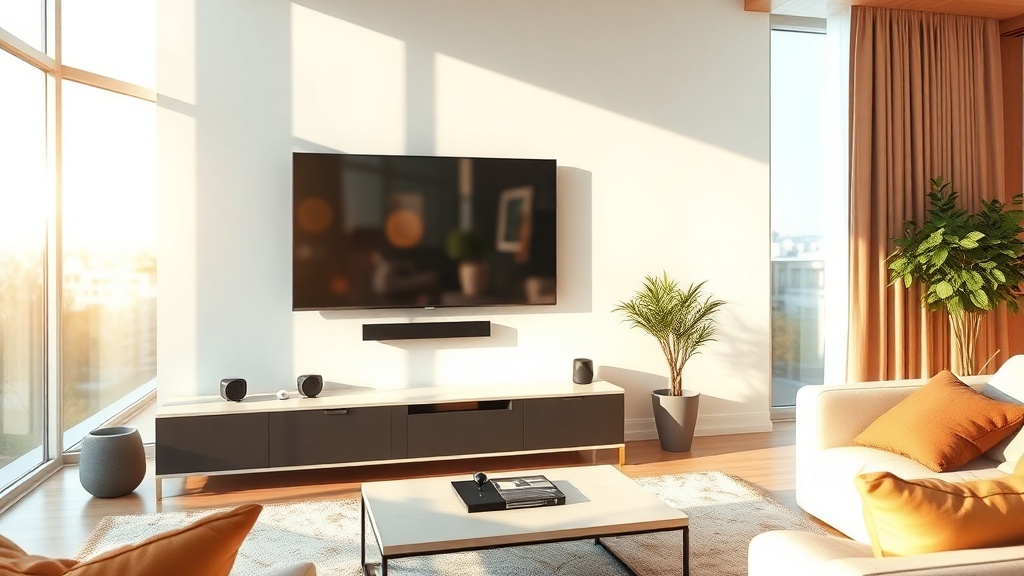
- Consider investing in a soundbar to enhance your audio experience
- Keep your system up-to-date to ensure that you have the latest features and security updates
In conclusion, cutting the cord and switching to streaming TV can be a great way to streamline your entertainment experience. By integrating streaming TV with home automation and voice control, you can create a seamless and convenient experience that allows you to control your TV and other devices with ease. With the right guidance and a little experimentation, you can create a system that works for you and enhances your overall entertainment experience. So why not give it a try? Start by setting up your home automation system, integrating your streaming TV service, and experimenting with different voice commands. With a little patience and practice, you’ll be enjoying a seamless entertainment experience in no time.